Adding attributes
Attributes are specific characteristics, traits or data points that help to further identify and categorise an order, such as if the composition of the order is of single, double or mixed SKUs.
Last updated About 2 months ago
To add or create attributes, you’ll need to open your order in the Orders page by searching or filtering results.
Not sure how to find your order? Revisit our support article here.
Adding attributes
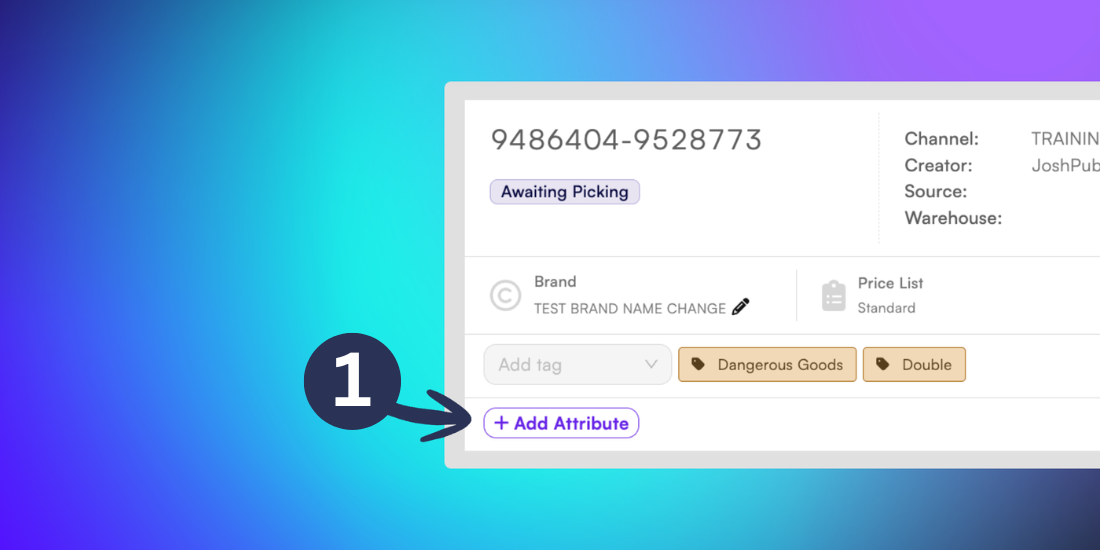
Once you’ve opened the order, go to the Details page, and click the +Add Attribute button.
Inside the New Attribute popup menu, add the Name and Value of your attribute and click Confirm.
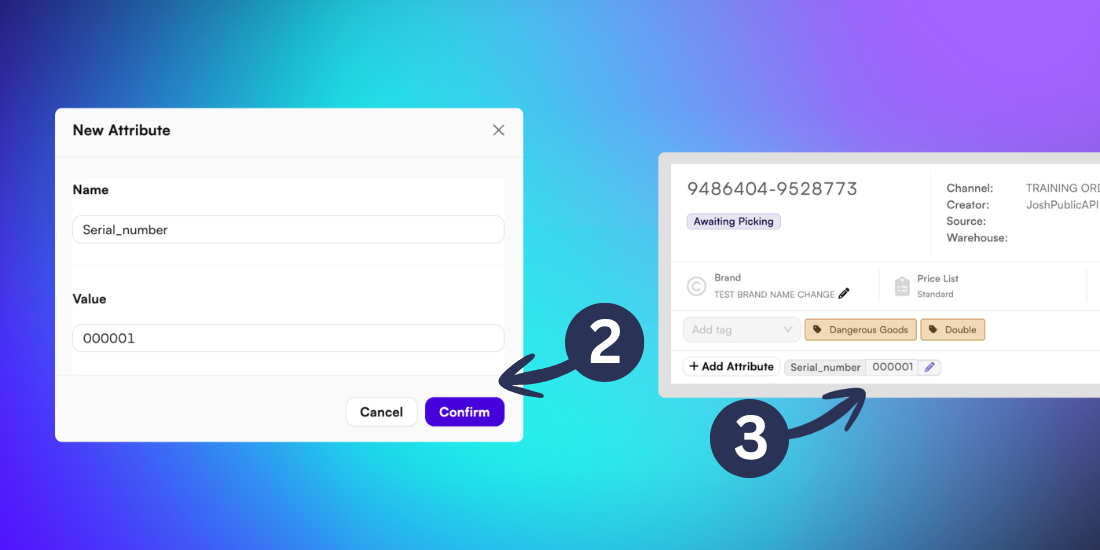
The new attribute will now be added to the Order Details page.
Tip: To make changes to an existing attribute, click the pencil icon next to it.